

FAQ
-
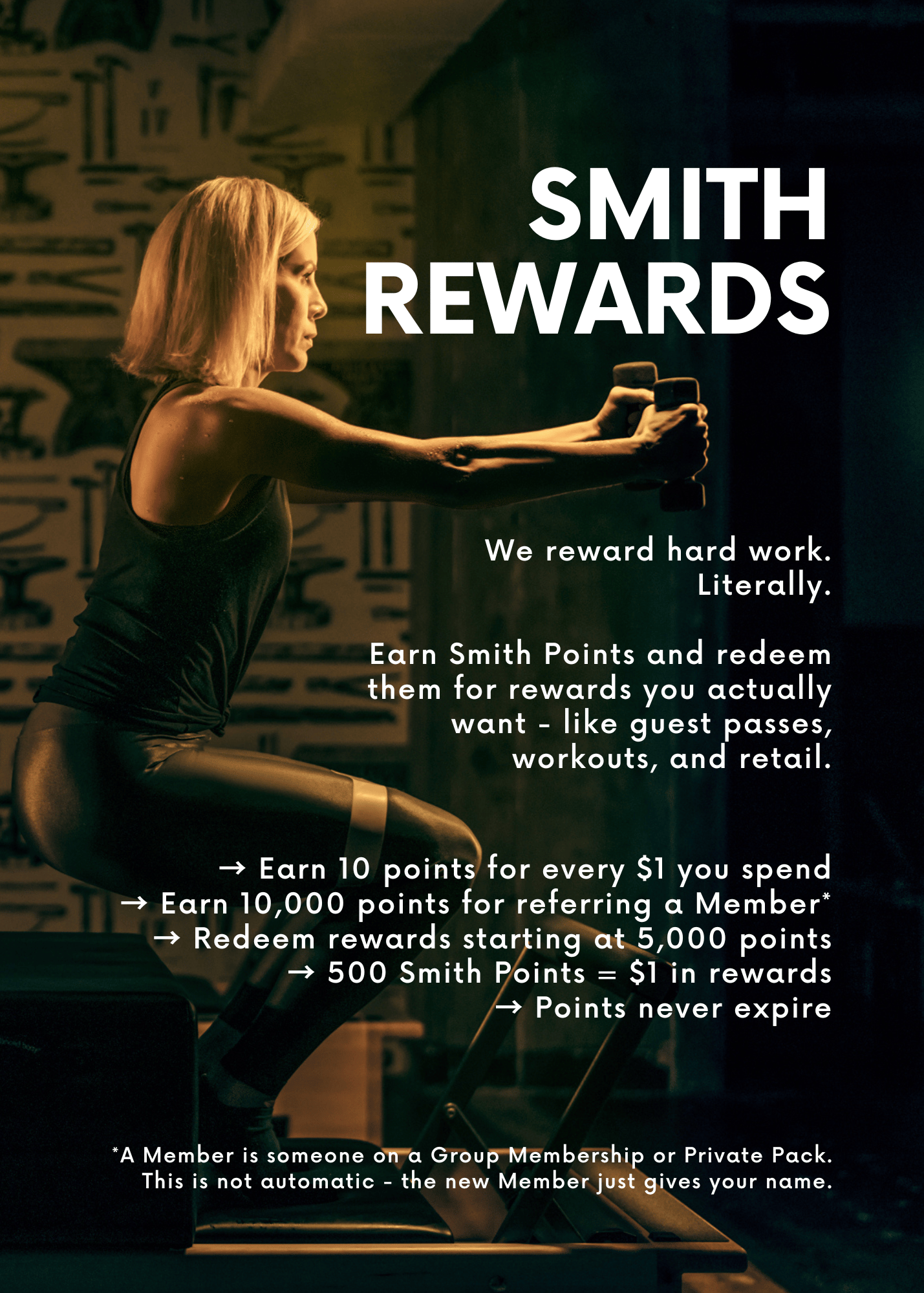
On the Pilatesmith App go to Profile > Wallet and on MindBody go to My Info > Account.
-
You have to have at least 5,000 points or $10 and then you can redeem by selecting as a payment method for applicable purchases.
-
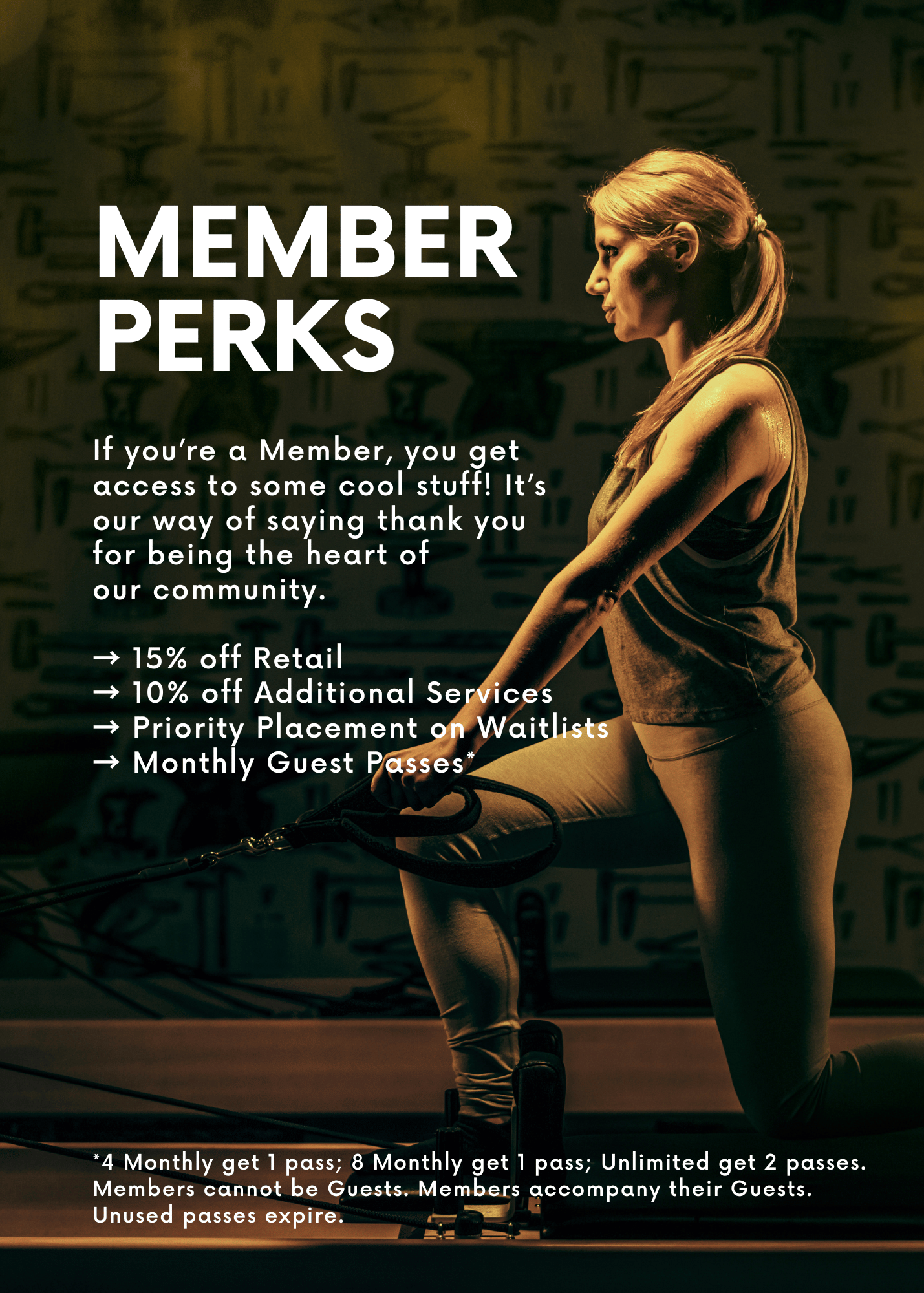
If you started your membership before August 1, 2026, email the studio so we can update your membership to include guest passes.
If you started your membership after August 1, 2026 - or we already updated your membership - and you don’t see a guest pass, it means it expired or it was used.
-
Bring a Guest along to any workout you’re booked for! Kindly note you can only redeem guest passes on the Pilatesmith App or MindBody Desktop. You cannot use MindBody’s app.
Pilatesmith App
After you book yourself into the class, you will see “+ Book a guest”
Enter guest’s name
Select “Guest Pass”
MindBody Desktop
After you book yourself into the class, go to pilatesmithstudio.com/my-account to log in and go book the class again
Select “Someone Else, enter their name, and select “Single Reservation”
Select “Guest Pass”
-
If they're new to Pilatesmith, have them create an account and sign their waiver before they arrive: pilatesmithstudio.com/register. If they haven't completed their registration ahead of time, please plan to arrive 10 minutes early so we can get everything squared away before the workout begins. Kindly note we will hold them at the desk until registered.
-
We want your guest to have an awesome experience. Before they come, make sure they know what to expect:
Grip socks are required. If they don't have a pair, they can purchase them at the studio.
Late Cancellation and No-Show policies apply to Guest Passes. Any applicable fees will be charged to your card.
Choose a class that's appropriate for their experience level and ensure your guest is comfortable with the workout description
Let them know our Athletic Pilates style is faster-paced and more physically demanding than a typical Pilates class
In Group Workouts they'll be expected to know how to use the equipment and how to self-modify if need. If they're concerned, we recommend they start with Private Training before joining you for class.
-
Anyone other than a Member! They don’t have to be new to the studio.